- Go to Extensions-> Extension installer page.
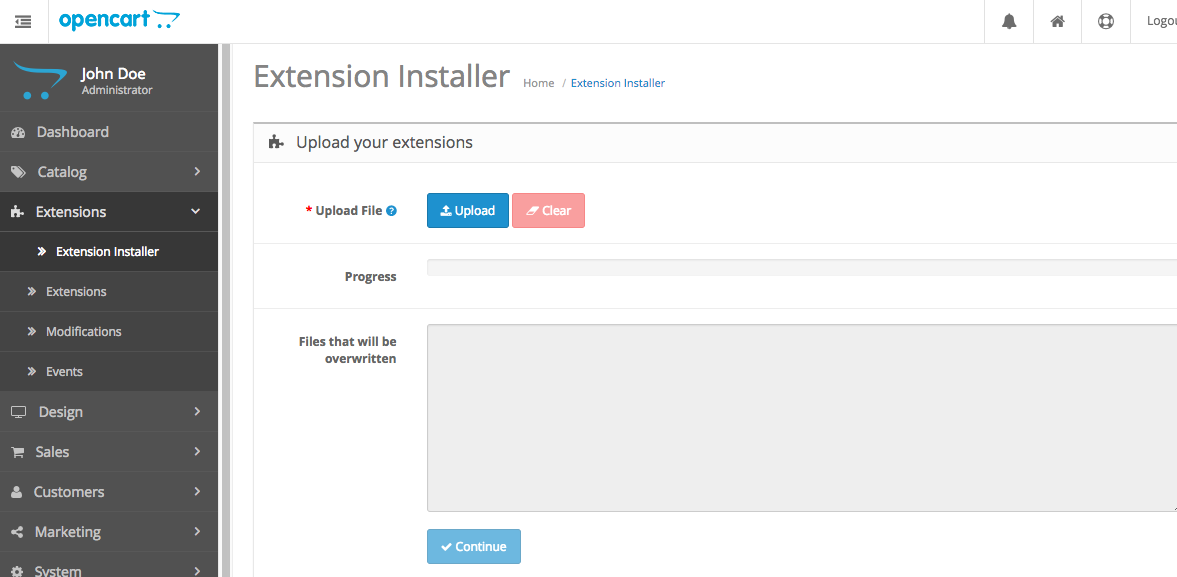
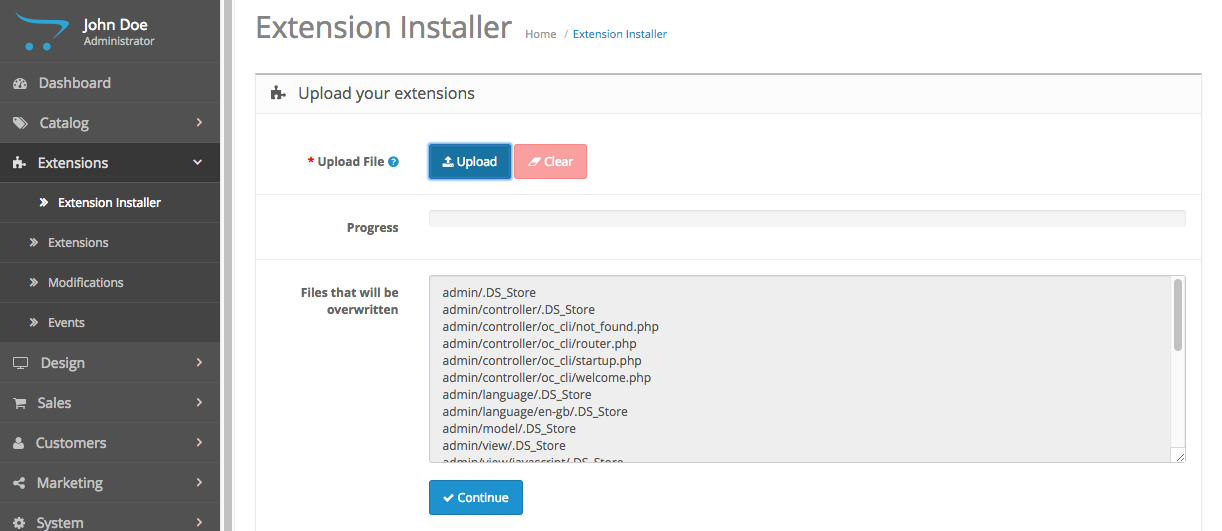
- Click “Upload” and select “youbeli.ocmod.zip” to upload. You might click “continue” button to install.
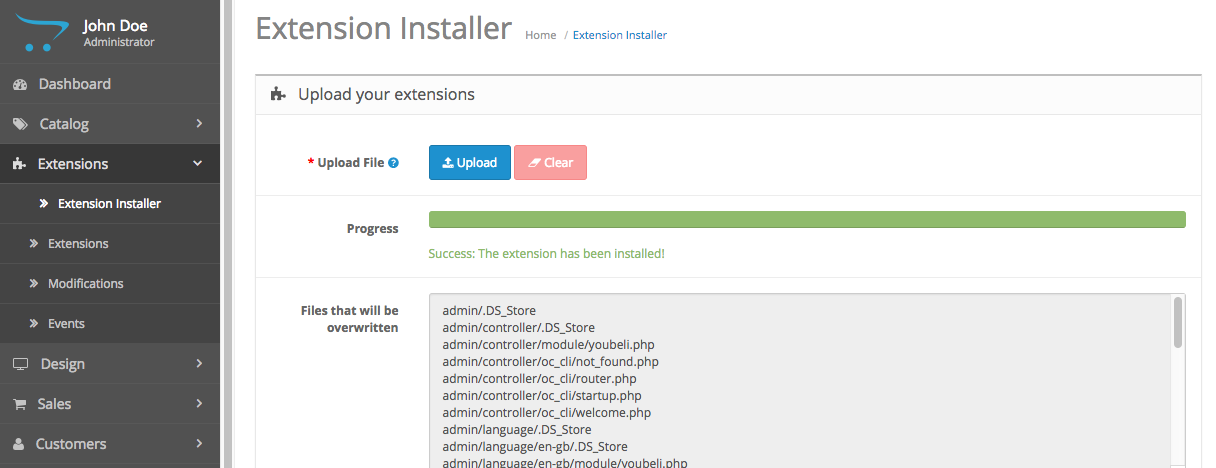
- A message will show after the extension is installed successfully.
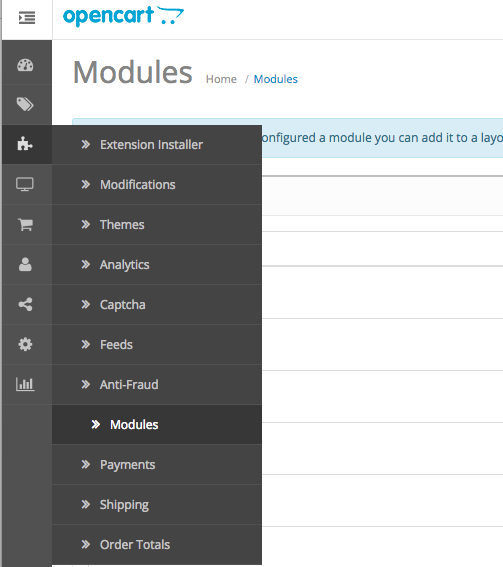
- Next, go to Extensions->Extension page, and select “Modules” from the dropdown list
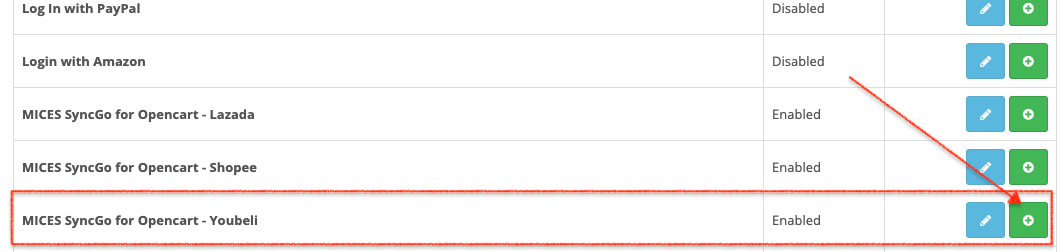
- Scroll down and find “MICES SyncGo for Opencart – Youbeli” modules, and click “install”
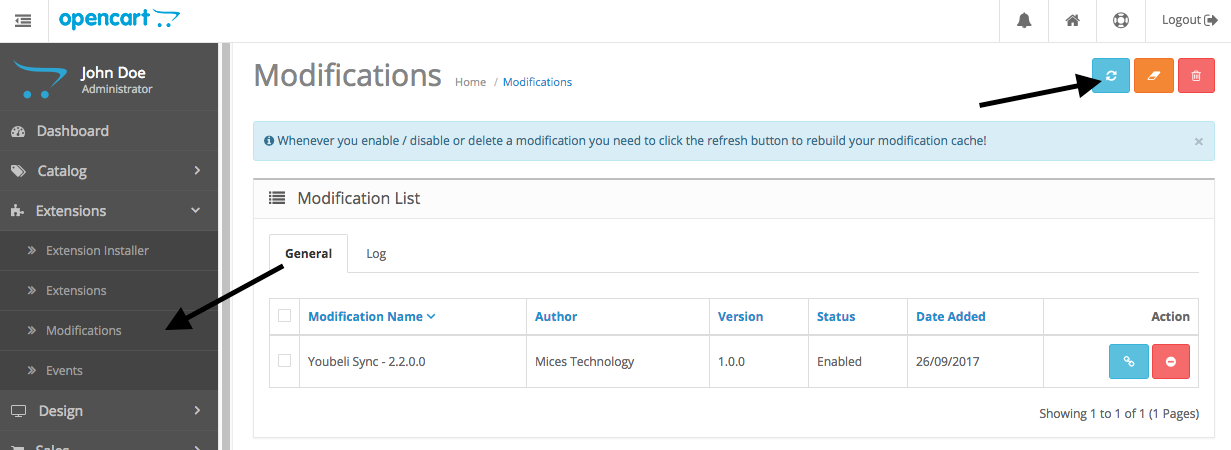
- Next, go to Extensions -> Modifications page and click refresh button to rebuild the modification cache.