To sync a product to Youbeli:
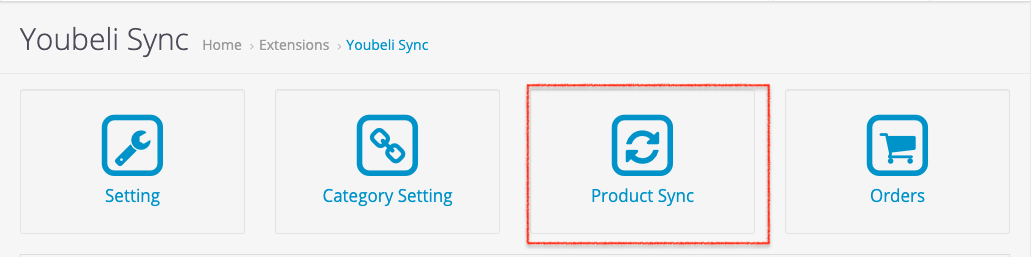
- Go to dashboard and click “Product Sync”.
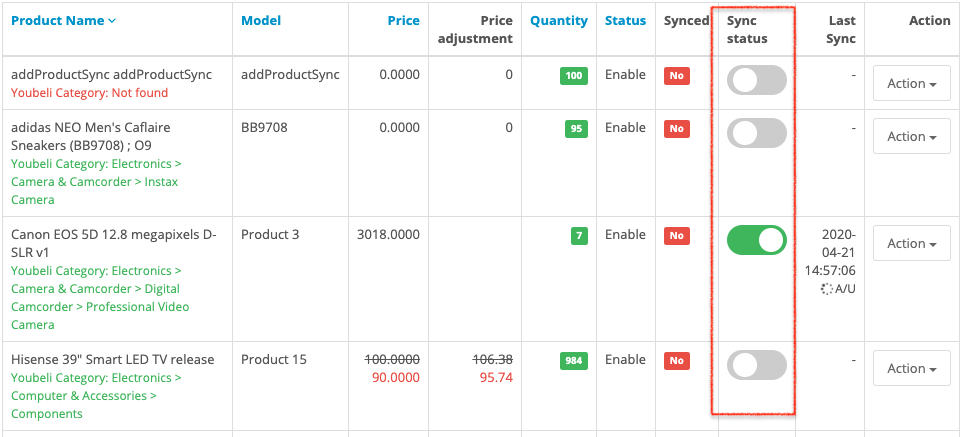
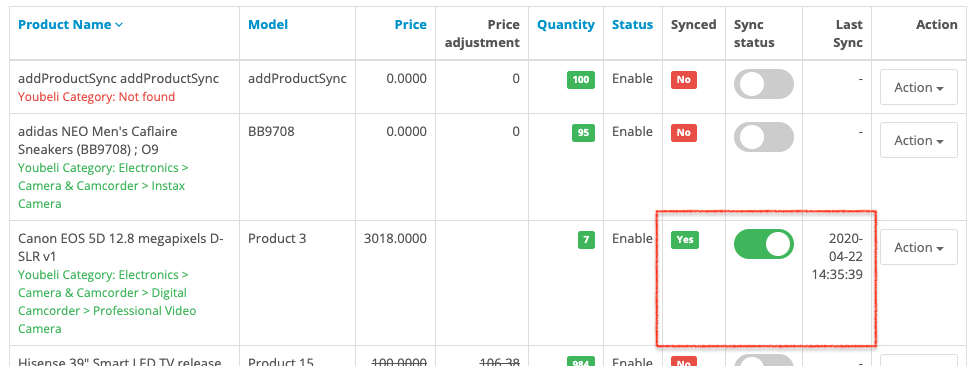
- Choose a product and toggle on the sync status
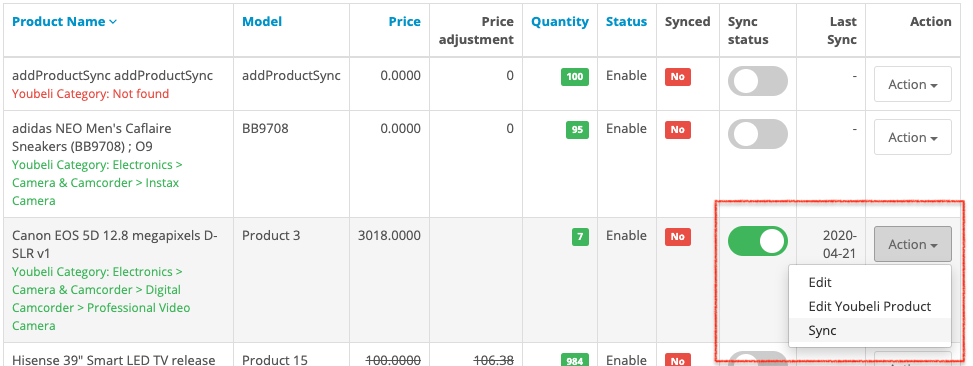
- Next, click the “Action” and click “Sync”
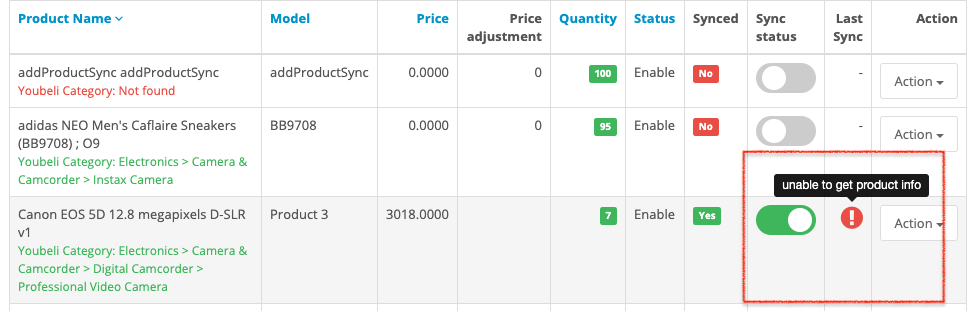
- If the product is sync successfully and created in Youbeli, the “Synced” will be stated as “Yes” and the last sync timestamp will be displayed
- If the product is failed to sync, an error will be display, you can move your mouse pointer to it to see the error